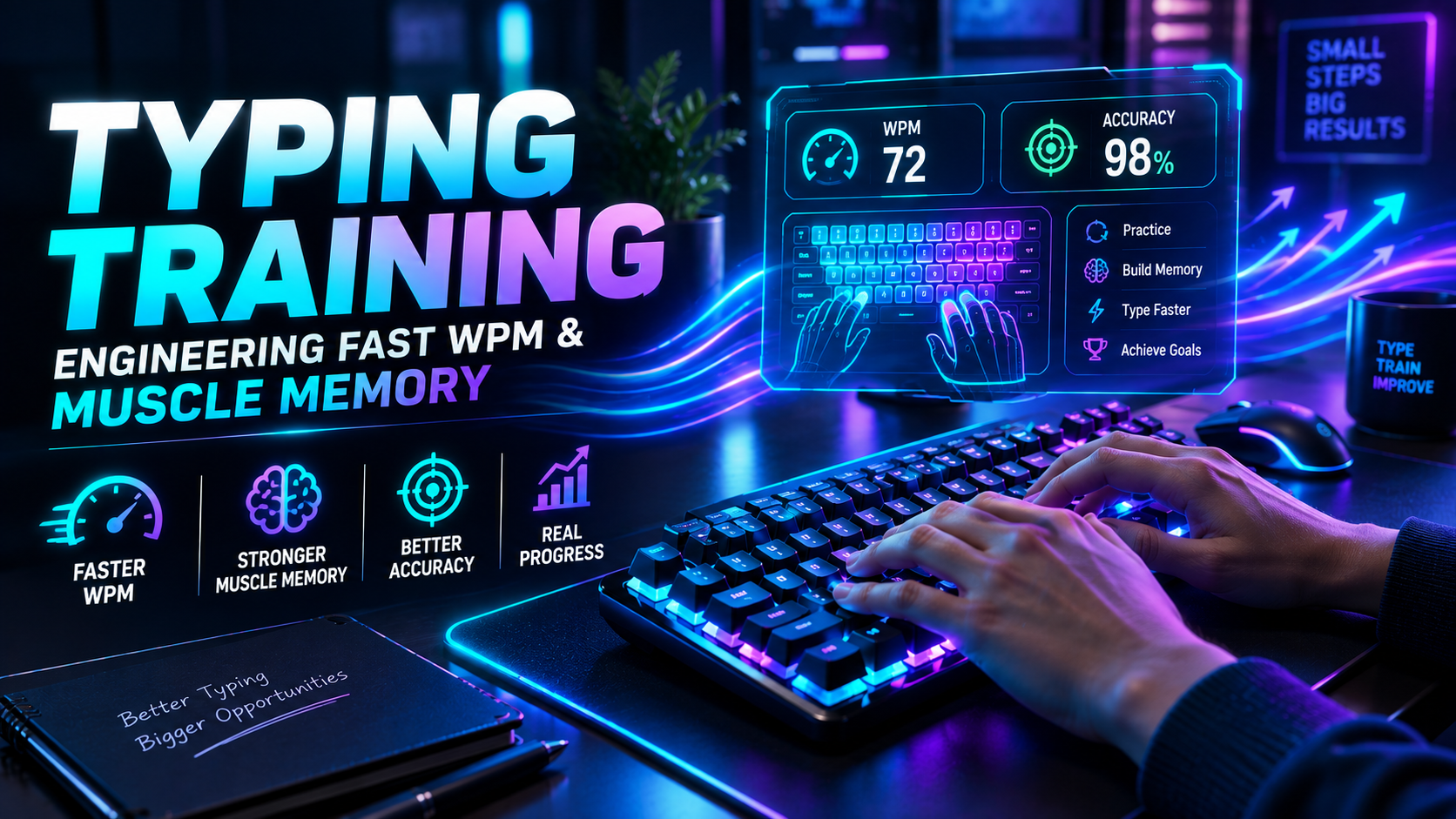
Executing effective typing training is a science of neuromuscular adaptation and deliberate motor programming. Most computer users spend thousands of hours typing workplace emails and documentation, yet their speed remains permanently frozen between 40 and 55 words per minute (WPM). Simply typing more text does not make you faster. Without structured error suppression and tactile spatial anchors, repetitive typing only reinforces existing mechanical inefficiencies.
True keyboard competence requires transitioning from passive repetition to deliberate practice. If you push your raw finger speed while tolerating a 5% error rate, you train your hands to make mistakes at high velocity. In this engineering guide, we break down motor learning frameworks, n-gram compiling, daily training architectures, and biomechanical adjustments designed to systematically push your baseline past 85+ WPM.
The Neurological Blueprint: How Typing Training Rewires Motor Control
Motor skill acquisition follows a three-stage progression first identified by psychologists Paul Fitts and Michael Posner (1967): the cognitive phase, the associative phase, and the autonomous phase. Most self-taught typists get trapped in the autonomous phase early in life.
The progression of motor control across training stages functions as follows:
| Motor Learning Stage Cognitive Workload Keystroke Execution Style Primary Bottleneck Training Intervention | ||||
| 1. Cognitive Phase | Extremely high; visual search required. | Single-character search and press. | Visual lookup latency (300ms per key). | Strict home-row spatial discipline; blindfolded drills. |
| 2. Associative Phase | Moderate; conscious proprioception. | Isolated bigram motor bursts (e.g., th, in). | Hesitation between syllable transitions. | Metronome cadence training and targeted n-gram drills. |
| 3. Autonomous Phase | Low; automated reflex loops. | Full-word rolling sweeps. | Comfort plateaus and lazy finger drift. | Speed sprint intervals and high-complexity syntax runs. |
To break through an autonomous plateau, you must deliberately force your brain back into the associative phase by practicing challenging text patterns that expose your weak finger transitions.
Establish your verified baseline score under standardized parameters on the TypingPulse Speed Test before initiating a new practice cycle.
💡 Pro Tip: Never look down at the keyboard deck during training sessions. If you forget a key location, pause with your hands anchored on F and J and mentally trace the spatial distance. Blind physical trial builds neural pathways; looking at keycaps resets your progress.
Structured Progression: A 4-Phase Typing Training Protocol
A successful typing training regimen requires isolating specific micro-skills rather than typing generic paragraphs continuously. Implement this progressive four-stage daily curriculum:
// Deliberate Practice Session Architecture (20 Minutes Total)

[00:00 - 05:00] Warm-Up:       Rhythmic cadence drill at 70% speed (100% Accuracy Floor)
[05:00 - 10:00] N-Gram Focus:  Drilling top error pairs (Isolated bigrams/trigrams)
[10:00 - 15:00] Burst Sprints: 15-second high-velocity sprints (Breaking tempo ceilings)
[15:00 - 20:00] Prose Context: Full punctuated prose and numbers (Real-world transfer)
Phase 1: Proprioceptive Anchor Reinforcement
Your index fingers must treat the tactile homing bars on F and J as permanent spatial reference points. Every reaching strike to the number row or bottom row must execute as an outward extension followed by an immediate return to the home axis. Drifting away from the home row causes cumulative spatial disorientation across all ten fingers.
Phase 2: N-Gram Motor Chunking
Skilled typists do not read or execute individual letters. They execute pre-compiled motor chunks known as n-grams. When your eyes scan the word "mention", your motor cortex fires two smooth kinematic waves: the root trigram men- followed by the suffix quadgram -tion. Training must focus on automating these high-frequency letter combinations.
To access structured curricula designed around high-frequency English n-grams, work through the modules in our Typing Academy Lessons.
The Accuracy Threshold: Why High Errors Destroy Typing Training
The single most destructive mistake in keyboard training is chasing gross WPM at the expense of accuracy. Typing speed is fundamentally limited by the mathematical cost of error recovery.
When you commit an error, you trigger a cascade of latency delays:
- Cognitive Halt: Recognizing the mistake stalls forward motor momentum for 150 to 200 milliseconds.
- Kinematic Reversal: The right pinky must leave the home row, reach to the Backspace key, actuate it, and return.
- Neuromuscular Confusion: The brain must re-orient itself to the interrupted word syllable.
A typist moving at 80 Gross WPM with 92% accuracy produces lower usable net output than a steady 65 WPM typist holding 99% accuracy. During training, enforce a strict 97% to 99% accuracy floor. If your accuracy drops below 97%, immediately reduce your speed by 10 WPM to stabilize your motor control.
"Speed is a natural byproduct of automated accuracy. If you build flawless spatial precision, finger velocity will emerge without conscious forcing."
Hardware Integration: Preventing Physical Bottlenecks in Training
Your physical keyboard hardware establishes the boundary conditions for your input latency and tendon health. Training on mushy, worn-out hardware introduces erratic feedback that corrupts motor learning.
- Mechanical Switch Consistency: Quality mechanical switches (such as light linear or tactile switches) offer crisp actuation feedback at 1.5mm to 2.0mm depths, preventing you from slamming keys into the metal backplate.
- Floating Wrist Mechanics: Never anchor your palms firmly against the desk while actively typing. Hover your wrists lightly to give your fingers full rotational freedom across top and bottom rows.
- Anti-Ghosting Matrix: High-speed training drills require multi-finger rolling inputs that can overwhelm cheap office keyboards.
Verify that your keyboard hardware registers complex rolling combinations without dropped keys using our diagnostic Online Keyboard Tester.
Deliberate Practice via Telemetry Analysis
Generic typing software gives you a single WPM number and nothing else. Modern deliberate training requires inspecting keystroke telemetry to pinpoint exact mechanical failure points.
💡 Pro Tip: Identify your "Hesitation Bigrams". Review your keystroke timeline after a practice session to spot letter transitions where your inter-keystroke interval exceeds 250 milliseconds. Drilling those three slowest transitions will yield immediate speed gains.
Track your real-time error distribution and isolate your weakest finger pairings in our dedicated Interactive Typing Practice arena.
Summary: The Path to Keyboard Automaticity
Mastering typing training transforms your computer keyboard from a frustrating physical obstacle into an invisible extension of your thought process. By focusing on proprioceptive home-row anchors, automating high-frequency n-grams, and enforcing strict 98%+ accuracy standards, you eliminate the cognitive friction that slows down daily writing.
Commit to 20 minutes of deliberate, focused practice each day. Prioritize clean technique over reckless speed, and watch your typing velocity systematically climb to professional, elite levels.
Frequently Asked Questions
Key answers regarding touch typing, benchmarks, and techniques
Wahab Wahab
Typing & Tech Specialist
Written by typing trainers and keyboard specialists dedicated to helping students and developers achieve touch typing mastery, ergonomic comfort, and competitive WPM speeds.