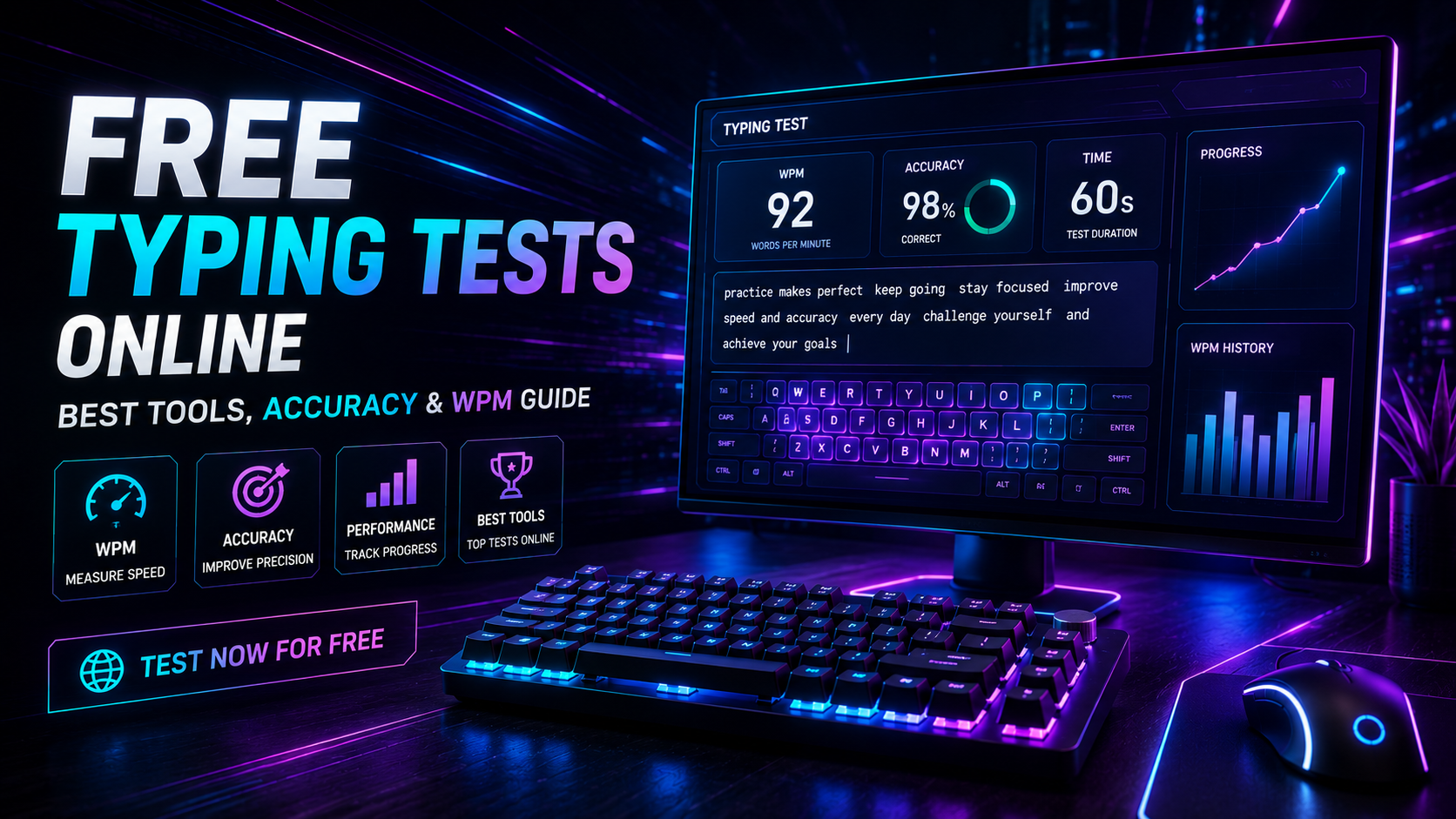
Taking a modern free typing test provides immediate quantitative feedback on your keystroke velocity and positional accuracy. Most online assessments measure raw speed in words per minute (WPM). However, evaluating true keyboard competence requires analyzing keystroke consistency, error recovery latency, and character-per-minute (CPM) density. Relying solely on short burst scores creates a false impression of daily output capacity.
Typing throughput represents an engineering balance between motor impulse speed and error suppression. If you rush through a test at 85 WPM while committing frequent typos, your net usable output degrades rapidly. In this technical guide, we break down standardized test metrics, browser timing architecture, duration trade-offs, and methods to turn benchmark diagnostics into measurable speed gains.
Evaluating Metrics: What a Free Typing Test Actually Measures
Standardized typing evaluations do not count literal dictionary words. Because word lengths vary from two letters to over fifteen letters, international typing standards define one standardized "word" as exactly five keystrokes. This includes letters, numbers, spaces, and punctuation symbols.
When running a diagnostic session, testing engines track several distinct telemetry streams:
| Telemetry Metric | Mathematical Formula | Primary Purpose | Measurement Limitation |
|---|---|---|---|
| Gross WPM | (Total Keystrokes / 5) / Time (min) |
Measures raw finger transit speed. | Ignores errors and backspace penalties. |
| Net WPM | Gross WPM - (Errors / Time) |
Calculates clean, error-adjusted output. | Can drop to zero if errors exceed total volume. |
| Keystrokes Per Minute (CPM) | Total Keystrokes / Time (min) |
Evaluates continuous physical switch activations. | Fails to show word-level cognitive chunking. |
| Accuracy Percentage | (Correct Keystrokes / Total) * 100 |
Measures spatial finger precision. | High accuracy can mask excessive hesitation. |
To establish your verified baseline under standardized parameters, launch a live session on the TypingPulse Speed Test before modifying your keyboard setup or finger mechanics.
Selecting Test Lengths: How to Use a Free Typing Test Effectively
The duration of your test directly influences your calculated score. Different time intervals measure distinct neurological and physical capabilities.
1. The 15-to-30 Second Sprint
Short sprints measure anaerobic motor burst velocity. Elite typists use short bursts to test switch responsiveness and raw finger rolling speeds. However, sprint scores typically inflate your apparent productivity by 20% to 30% compared to sustained workday performance.
2. The 60-Second Standard Benchmark
The one-minute test serves as the standard screening duration for corporate recruitment and typing certification. It is long enough to expose basic accuracy flaws while remaining short enough to prevent severe muscle fatigue. Its primary bottleneck is high sensitivity to early mistakes; a single fumble in the first ten seconds permanently skews the final result.
3. The 3-to-5 Minute Endurance Run
Multi-minute tests measure genuine cognitive stamina and ergonomic sustainability. Over five minutes, poor wrist positioning, forearm tension, and cognitive drift begin to manifest as degraded accuracy curves. If your speed drops by more than 15 WPM between minute one and minute five, your physical technique requires ergonomic restructuring.
If your diagnostic scores reveal weak fingers or recurring missed strokes, work through the sequential exercises in our Typing Academy Lessons.
Text Mode Differences: Wordlists vs. Punctuated Prose
The lexical composition of a free typing test dramatically alters your output speed. Testing platforms typically offer two contrasting text generation modes, each serving a different analytical purpose.
Standard Wordlist Mode (Inflated Speed):
time person year way day thing man world life hand part child eye woman place

Natural Punctuated Prose (Real-World Speed):
In 1984, Dr. Salthouse observed that skilled typists look ahead by 4–8 characters; however, novices glance down!
Simplified wordlists rely entirely on lowercase common nouns. They remove capital letters, numbers, and punctuation marks, eliminating the need to actuate the Shift key. Because pressing Shift with a pinky finger alters hand geometry and adds roughly 100 milliseconds of transit latency, testing on lowercase wordlists yields scores that rarely translate to professional writing or programming tasks.
"A 90 WPM score on a simplified 200-word dictionary represents motor rolling speed; an 80 WPM score on complex punctuated prose represents true functional competence."
Technical Architecture: Keystroke Detection and Input Latency
Browser-based typing platforms rely on JavaScript event listeners to capture and score your keystrokes. Modern engines use high-resolution performance timestamps rather than standard system clocks to ensure absolute timing accuracy.
The core logic behind real-time WPM calculation operates as follows:
// High-precision WPM and Accuracy Calculation Engine
function calculateTypingMetrics(rawKeystrokes, errorCount, startTimeMs, endTimeMs) {
    const elapsedMinutes = (endTimeMs - startTimeMs) / 60000;
    const standardWords = rawKeystrokes / 5;

    const grossWpm = Math.round(standardWords / elapsedMinutes);
    const netWpm = Math.max(0, Math.round((standardWords - errorCount) / elapsedMinutes));
    const accuracy = ((rawKeystrokes - errorCount) / rawKeystrokes) * 100;

    return {
        grossWpm,
        netWpm,
        accuracy: accuracy.toFixed(2),
        cpm: Math.round(rawKeystrokes / elapsedMinutes)
    };
}
While client-side scripts calculate mathematical intervals accurately, local hardware bottlenecks can still corrupt results. Membrane keyboards with aggressive matrix ghosting drop simultaneous key registrations during fast rolls. Mechanical switches suffering from contact chatter register double-clicks on single strikes.
Verify that your keyboard hardware registers all key combinations cleanly by running a diagnostic check on our Online Keyboard Tester.
Turning Diagnostic Scores into Long-Term Performance Gains
Taking a test without analyzing the resulting telemetry produces zero structural improvement. Treat every test run as a diagnostic scan to identify physical bottlenecks in your motor execution.
Follow this structured optimization cycle:
- Isolate Error Hotspots: Review your post-test heat map. Identify whether errors cluster around specific weak fingers (such as the left ring finger on
WandS) or cross-row reaches (such asBandN). - Impose an Accuracy Floor: If your accuracy drops below 96%, reduce your typing speed immediately. Force your hands to maintain rhythm rather than sprinting and pausing.
- Targeted N-Gram Practice: Take your most frequent misstrikes and practice them as isolated letter pairs in our Interactive Typing Practice arena.
- Re-test Under Identical Conditions: Benchmark your performance at the same time each day using the same test duration and text mode to isolate true progress from random variance.
Summary: Data-Driven Keyboard Mastery
Utilizing a free typing test is the most efficient way to quantify your keyboard performance and track motor skill development. By looking beyond simple gross WPM numbers to understand Net WPM, error recovery costs, and punctuation overhead, you can build a systematic training routine that produces sustainable speed gains.
Focus on maintaining a 98% accuracy baseline on complex prose. Speed naturally follows once finger hesitation and spatial uncertainty are engineered out of your typing mechanics.
Frequently Asked Questions
Key answers regarding touch typing, benchmarks, and techniques
Wahab Wahab
Typing & Tech Specialist
Written by typing trainers and keyboard specialists dedicated to helping students and developers achieve touch typing mastery, ergonomic comfort, and competitive WPM speeds.